Is Clicking “Connect Wallet” Safe?
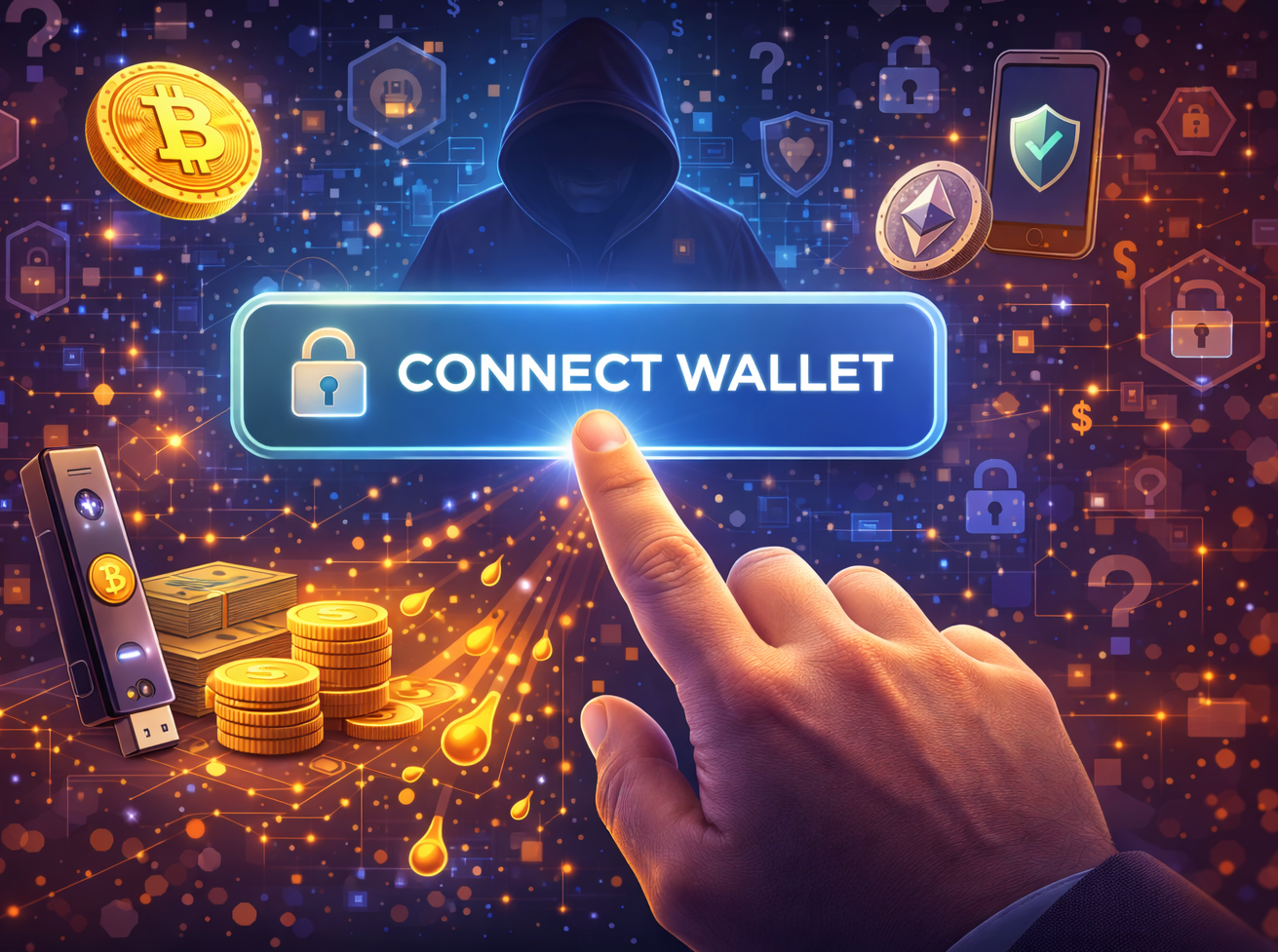
If you use Web3 apps, you will often see a button that says “Connect Wallet.” It looks simple, but many beginners worry about safety. Understanding whether connecting your wallet is safe means knowing what “connect” does, what it does not do, and where real dangers show up.
What Does “Connect Wallet” Actually Do?
When you click “Connect Wallet” on a site you trust:
Your wallet and the website start talking to each other.
The site can see your public wallet address and balances for certain tokens.
The site can request that you sign messages or transactions.
Important:
Connecting alone does not usually move your coins.
To move coins, you must approve and sign a transaction in your wallet.
Where the Real Risk Comes In
The biggest danger is not the button itself, but who you are connecting to and what you approve afterward.
Risks include:
Fake or phishing sites: Lookalike URLs that copy real projects and trick you into connecting.
Malicious smart contracts: After connecting, the site asks you to sign approvals that let it move your tokens.
Blind signing: Approving a transaction or “signature request” without reading what it does.
A wallet connection is like opening the door to talk. The real damage usually happens when you then sign something harmful.
Safety Tips Before You Click “Connect Wallet”
Double-check the website URL. Type it in yourself or use trusted links.
Avoid links from random DMs, comments, or ads.
Confirm you are on the official site (socials, docs, or project announcements can help).
Use a separate wallet with smaller amounts for testing new apps.
Keep your main savings in a more isolated wallet or cold storage.
Safety Tips After You Connect
Read prompts in your wallet carefully, especially “approve,” “permit,” or “unlimited spend” requests.
Only give spending approval to tokens you actually need for that app.
Revoke old token approvals from sites you no longer use (many tools can help you review and revoke permissions).
If something looks strange or too good to be true, cancel and step back.
Takeaway
Clicking “Connect Wallet” on a trusted site is normally just the first step in talking to a Web3 app. The bigger risks appear when you approve transactions or token permissions on bad or fake sites. Slow down, check URLs, use test wallets, and read every wallet prompt carefully before you sign anything that can move your money.
Not financial advice. Educational purposes only.